
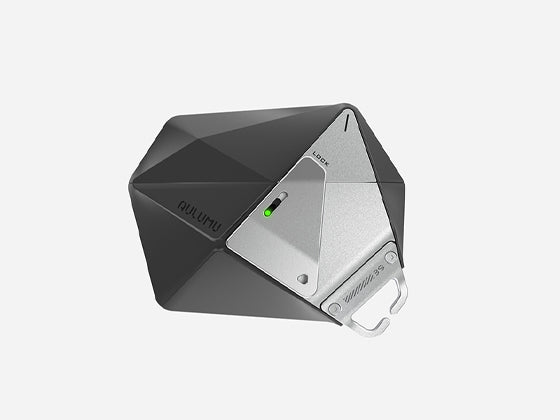
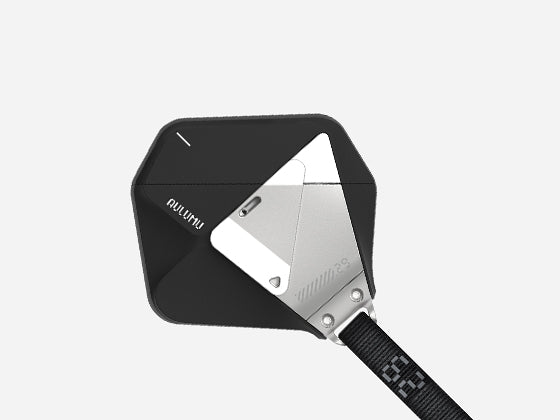
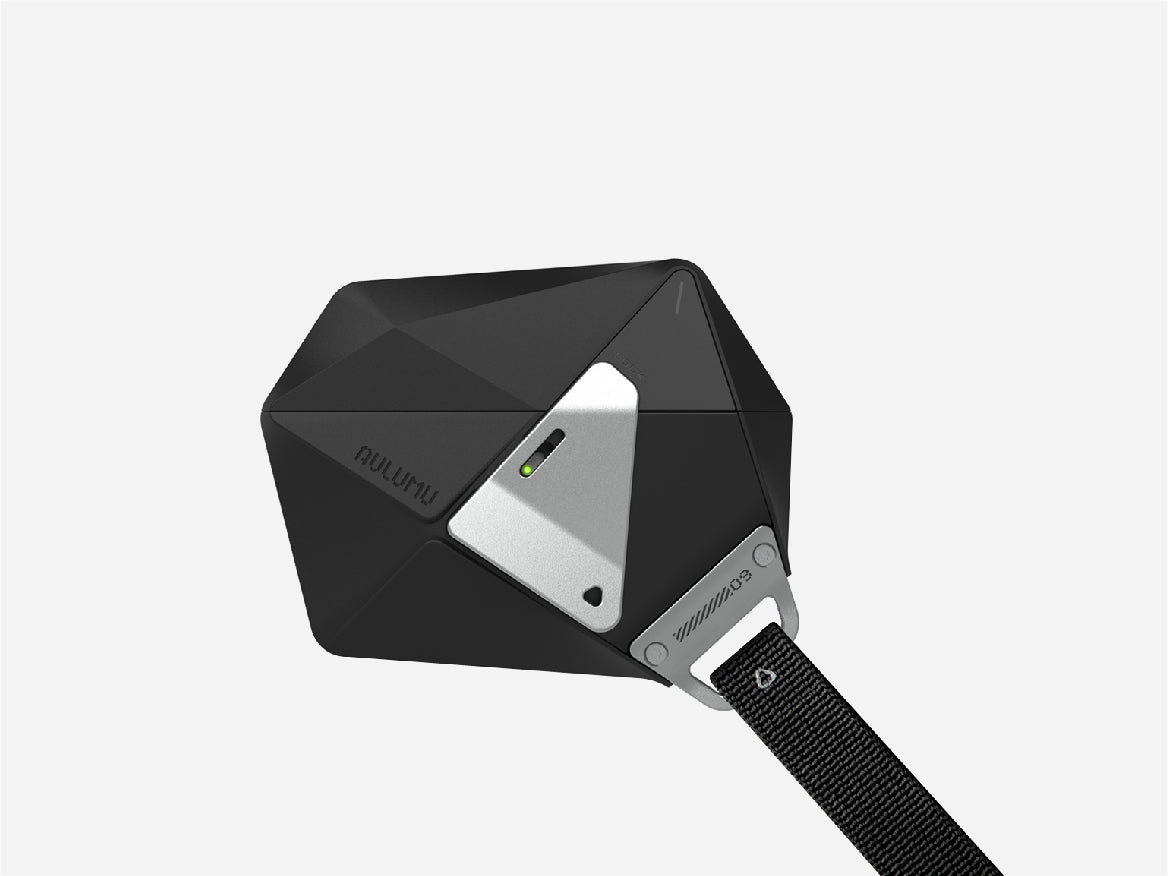
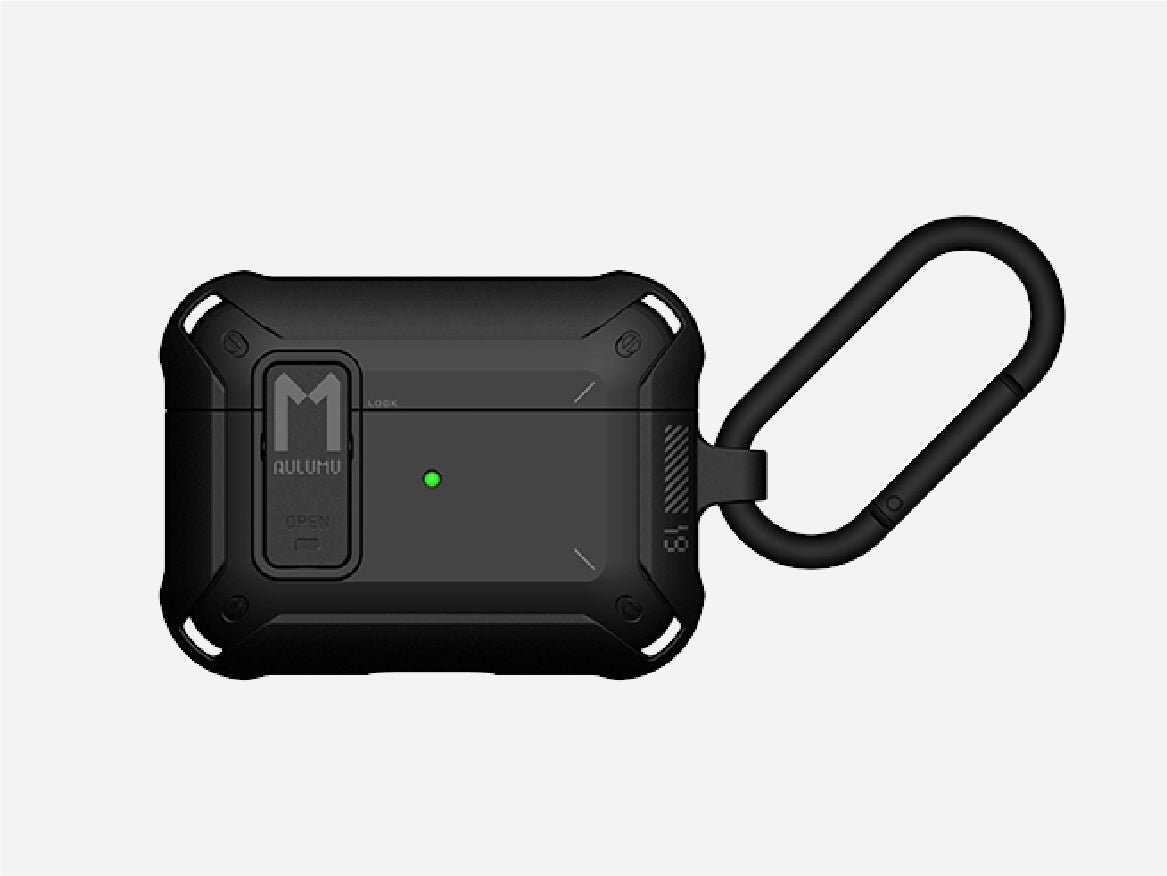

When browsing the internet, you often come across posts about people losing their AirPods . Due to their small size and frequent daily use, losing AirPods is common. It can happen in a variety of situations, such as during your commute, while exercising, or after taking them out of a cafe and forgetting them. When you find your AirPods , your first reaction is often panic and helplessness. So, in this article , aulumu will show you how to find your AirPods or check if they're still there.
First, find out which part of your AirPods is missing.
There are many reasons why you might lose your AirPods , but you first need to determine which part you lost.
- The first scenario is when you lose only one earbud. This is the easiest scenario to find. You can view each earbud individually in the Find My app and play sound from either earbud. Some earbud models support precise location tracking. If your earbuds are in good condition, they can update their location and help you find them faster.
- The second scenario is when you lose both earbuds. If you lose both earbuds, their locations may differ on the map. You can locate them by playing a sound. However, accurate location information may be unstable depending on whether both earbuds are in the same place. If the two earbuds are in different places, the location information will be more inconsistent.
- The third scenario is when the earbuds and charging case are lost together. This can be divided into two types. If the earbuds are lost while they are in the charging case, it can be very difficult to find them. In many cases, you only know the last known location of the earbuds, and when the earbuds are in the charging case, the Bluetooth connection is often lost and sound becomes muffled. Because the earbuds' signal is blocked by the charging case, accurate search is only possible with models that support the latest charging case. If the earbuds and charging case are lost separately, it can be very difficult to find them because search can only be based on whether the earbuds are powered on and whether the earbud case model supports location tracking.
- Fourth , if you lose the earbuds case but still have the earbuds, you can only check whether the earbuds support precise location tracking. If they don't, it's nearly impossible to get them back.
Before you begin your search, make sure your AirPods meet the following criteria:
- Are your AirPods linked to the same Apple ID as Find My Device ? If not, you won't be able to do the following:
- Are your AirPods Find My enabled and added to the Find My network? When you pair your AirPods for the first time, they're automatically added to the Find My network. There's no need to enable them manually. Of course, this assumes that Find My is enabled on your iPhone and iCloud is not disabled.
- Check whether your AirPods were powered on before you lost them. If they were powered on, you can find their location in real time and play a sound to locate them more accurately. If they were not powered on, you can only see where your AirPods were last online and cannot play a sound or update their location.
- Make sure your AirPods support the "Network Search" feature. This varies by model. Newer models can search for networks, and some can even pinpoint their exact location. Older models can only show the last network connected, and the search function is quite limited.
- Whether or not you can find the location of your AirPods charging case depends on the model and type, so the location will be quite different if the earbuds are in the case or not.
- Whether or not there's an Apple device nearby depends on the situation. AirPods themselves don't connect to the internet. The AirPods network relies on anonymous location uploads from nearby Apple devices. So if you lose your AirPods in a remote location, the chances of finding them are very low.
- Make sure your AirPods haven't been re-paired or reset with someone else, as this will most likely leave them in an unrecoverable state.
Use the Find My app to find your AirPods .
Once you've made sure all of the above conditions are met, you can start locating your AirPods using the Find My app .
- First, open the Search app .
- The second step is to click on the Devices button at the bottom .
- Third , find your AirPods in the list .
- Fourth , you'll be taken to the details page, where you can see your AirPods ' location on a map, their connection status, and available actions.
Three locations may appear on the map . If your AirPods are charged and there is an Apple device nearby, your current location will be displayed and you can proceed to the next step. You can use the precise location feature or play a sound to find your exact location (if these features are available). If your AirPods are offline , out of battery, or there is no Apple device nearby , your last known location will be displayed. If your AirPods are not linked to your Apple ID , have been reset, or are not connected to the Find My network, you will see "Location Not Found." The map will guide you through the next step. You can choose to use the location feature to find your AirPods or play a sound, which is the next option. This feature works best if you are indoors and not far from where you lost them. Each AirPod will play a sound, and the volume will gradually increase. This feature will not work if your AirPods are in the charging case, out of battery, or too far away.
You can use the "Precise Search" feature if your AirPods support it, are powered on, and are relatively close by, and your iPhone supports the U1 chip. The process is the same, except you just tap "Find Nearby." Follow the arrows to gradually close the distance, and the device will vibrate when you're close enough. However, because "Precise Search" is not GPS , it cannot track long distances. It only works within close range and requires your AirPods to be charged. AirPods Pro 2 and 3 are compatible with "Precise Search . "
Why can't I find my headphones ?
Of course, there's no guarantee that you'll be able to find your lost AirPods . If you can't find your AirPods , here are some possible reasons:
- Your AirPods are turned off or have been offline for too long. As mentioned above, to find your AirPods , they must be turned on and have their location displayed in the Find My app. If this isn't the case, you'll only see their last known location, which may not reflect your most recent location.
- Your AirPods have been reset or re-paired. After you reset or re-pair your AirPods , you can't locate them using the Find My app.
- Your AirPods may be placed in an enclosed space or in a location with weak signal. One of the main reasons the Find My app can locate your AirPods is because other Apple devices can emit signals. However, if your AirPods are in an area with weak signal, the Find My app may not be able to locate them .
What if I really can't find my earphones ?
If you can't find your AirPods , you can mark them as lost. Marking them as lost increases the chances that they'll be found and reduces the chances that someone else will use or re-pair them. However, this doesn't completely lock your AirPods . You can mark your AirPods as lost in the Find My AirPods app. After marking them as lost, location updates for your AirPods are still available and your continued use of the Find My app isn't affected. If someone tries to pair your AirPods , they'll see that they're marked as lost, letting the finder know that the device belongs to someone else and reducing the chances that your AirPods will be resold.
 We've introduced some methods to help you find your AirPods . We hope this helps you and we hope you don't lose your AirPods . To prevent this, you can also purchase a protective case for your AirPods to reduce the chances of losing them. If you want to know more about preventing your AirPods from getting lost, check out this article: How to Avoid Losing Your AirPods