

Suddenly, your phone won't charge. Or, have you ever tried to charge it but it just doesn't seem to have any power at all? When you find yourself in this situation, your first question is, "Why isn't my phone charging?" Many people give up on troubleshooting after checking their phone and power source, but today we'll be looking at another factor that can affect your phone's charging: your phone case.
As more and more people use wireless charging to charge their smartphones, smartphone cases have become an important factor. While the right smartphone case can greatly aid wireless charging, a poor quality case can hinder charging. Therefore, a good smartphone case can help prevent smartphones from failing to charge.

Common reasons why your phone won't charge
The problem lies in the phone itself.
-
Dust builds up in the charging port. Just like the AirPods charging port, your phone's charging port can accumulate dust and lint when exposed to air for extended periods, causing poor contact. This poor contact is the main reason your phone won't charge.
To remedy this situation, you can clean it with a toothpick or tissue, but avoid using metal objects or damp cloths.A less common method is to play upbeat music to brush away dust and other debris from the charging port. -
System or background lag. Every mobile phone has its own power management system that protects the phone and regulates various data while it is charging. Therefore, if this power management system fails, the phone will not be able to charge properly.
In addition to system glitches, your phone may also be slowed down by having too many background apps running. This can cause your phone to slow down and not detect charging. Or it may overheat and trigger self-protection, pausing charging. - Battery degradation leads to poor charging performance. Battery degradation is an inevitable cause of charging issues. Using your phone for long periods of time, habitual use while charging, and other improper usage habits can all lead to battery degradation. Over time, your phone may no longer be able to charge.
External reasons for mobile phones
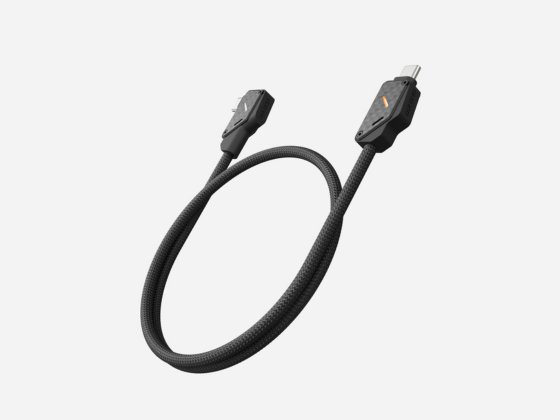
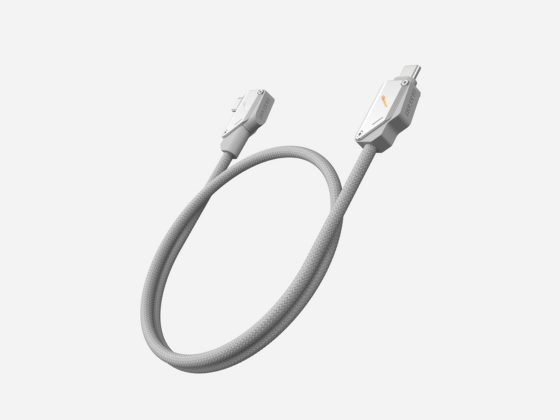
- The charging cable is faulty. Using an incompatible charging cable or a broken internal wiring may also cause charging problems. Replacing the charging cable can resolve the issue. For daily use, we recommend using a genuine charging cable or a cable with safety certification.
- Power supply failure. A faulty outlet or damaged charging adapter can also prevent your phone from charging. Try replacing the charging adapter and outlet to check the power supply. When charging, check your phone's charging protocol and the wattage of the plug. Using a compatible plug can also protect your phone's power supply and extend its lifespan.
Why your phone won't charge when wirelessly charging
- Your phone case is too thick. Wireless charging works by using a magnetic field to transfer electrical energy from the charger to your phone's battery. In the process, the wireless charger creates its own energy zone within which your phone's wireless charging function operates properly. Therefore, a phone case that is too thick can block power delivery from the wireless charger, causing intermittent or even interrupted charging.
-
The magnetic ring inside your phone case may be of poor quality or improperly designed. Because wireless charging uses electromagnetic induction to transmit power to your phone, the magnetic ring on your phone case can have a significant impact on charging. If the magnetic ring is made of an inappropriate metal material, it may affect the magnetic field of the wireless charger, leading to charging abnormalities.
Not only is the material of the magnetic ring important, but its placement is also important. Inaccurate placement can cause the smartphone and wireless charger to misalign, reducing charging efficiency and leading to overheating and charging failure. Also, if the magnetic ring is too thick, it can affect the magnetic field of the wireless charger. Wireless charging is very sensitive to distance, and charging may fail if the smartphone is too far away from the charger. - The smartphone is not in the optimal charging position. One of the drawbacks of non-magnetic wireless charging is the need to manually adjust the charging position. If the smartphone is not in the optimal position, charging may fail, or the charging may be inefficient or slow.
Why the Right Phone Case Can Help with Wireless Charging
-
Equipped with a high-quality magnetic ring. A built-in magnetic ring is essential for a wireless charging compatible smartphone case. This ring must be of high quality and be properly positioned inside the case. The magnetic ring must be precisely aligned with the smartphone battery to prevent charging issues caused by misalignment.
At the same time, the magnetic ring must be made of a suitable metal with good magnetic permeability and no permanent or weak magnetic properties, and must be able to induce a magnetic field without interfering with the wireless charging process. For example, soft magnetic stainless steel or a soft magnet is suitable. - A thin phone case is recommended . Wireless charging uses electromagnetic induction, and the energy field generated by the charging station has a certain distance. The distance between the wireless charger and the phone must be within 5 mm. Therefore, to avoid affecting the wireless charging process, the phone case should not be thicker than 5 mm.
Good habits for properly charging your phone
1. Clean your phone's charging port regularly. Make it a habit to clean your phone's charging port regularly to prevent lint and dust from affecting the charging process.
2. Use a dedicated charging cable and adapter. To ensure smooth charging and reduce battery drain, choose the right charging cable and adapter for your smartphone and minimize the impact of external factors on the charging process.
3. Choose the right wireless charging phone case for you. This type of phone case can be divided into two categories :
-
The first is for Android smartphones. Android smartphones support wireless charging, but they lack magnetic charging capabilities. To make the most of wireless charging on these smartphones, you'll need to purchase a smartphone case with magnetic charging capabilities. The magnetic feature allows for precise alignment between the wireless charger and the smartphone, ensuring accurate and efficient power transfer.
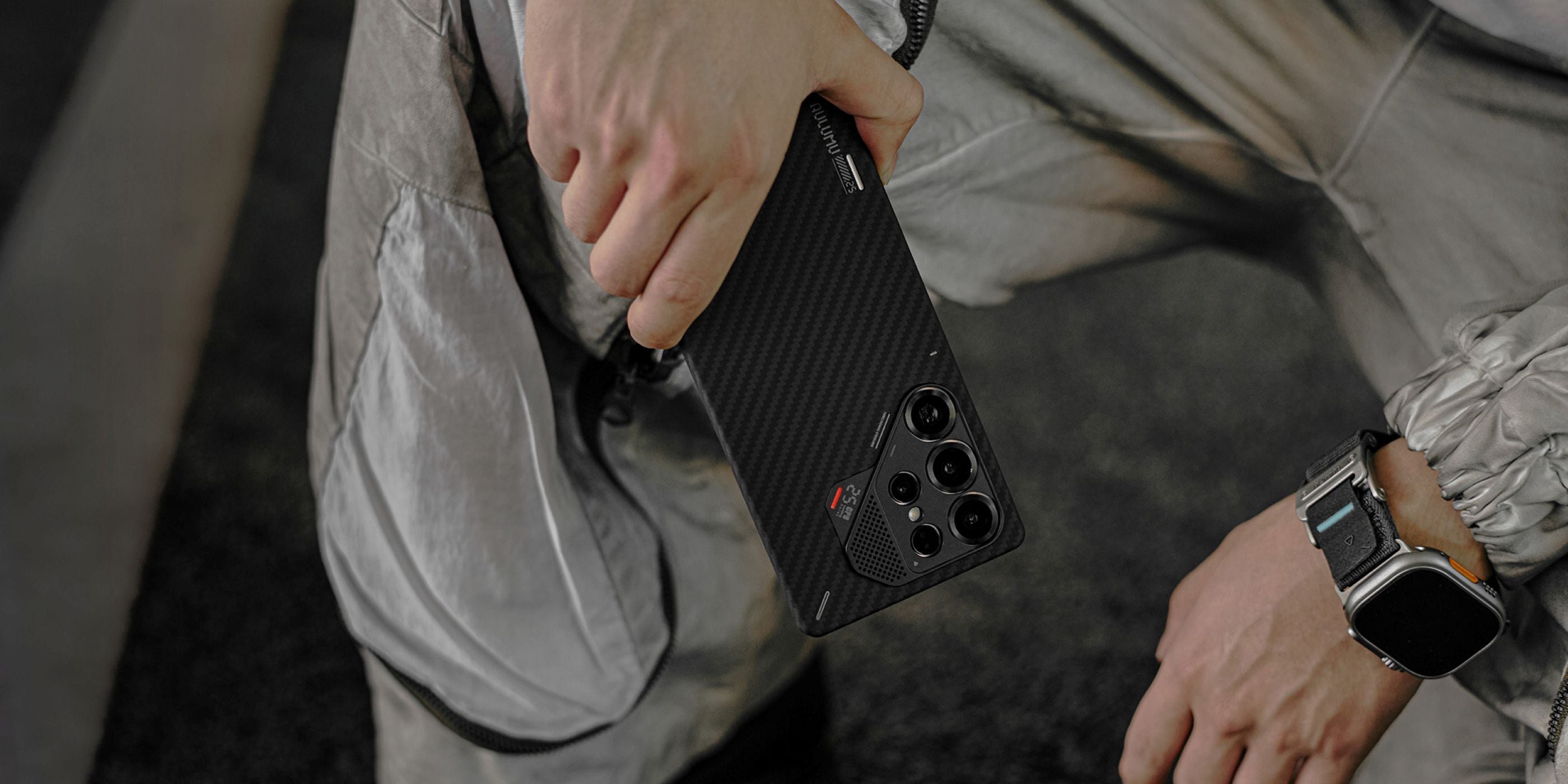
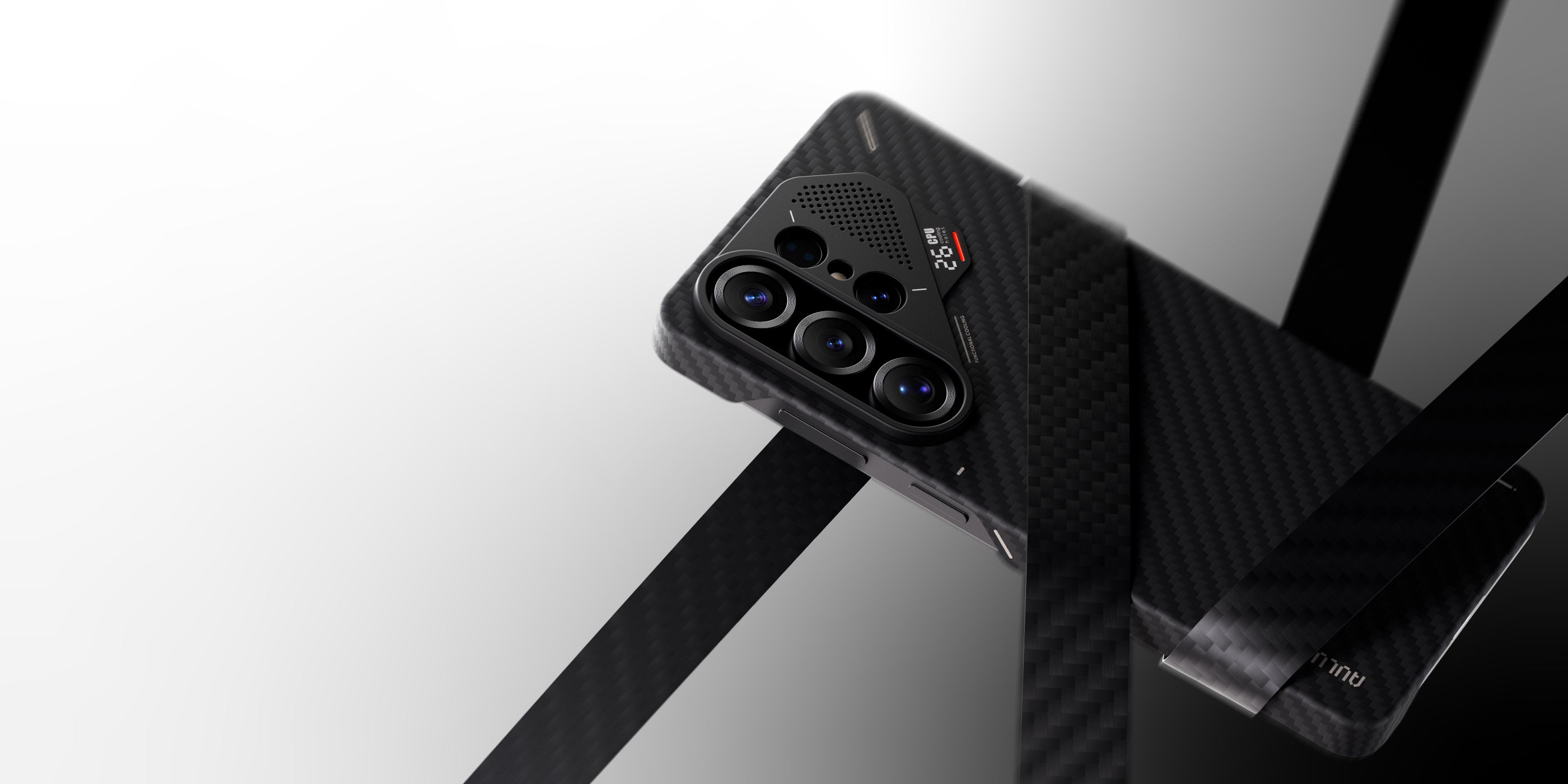
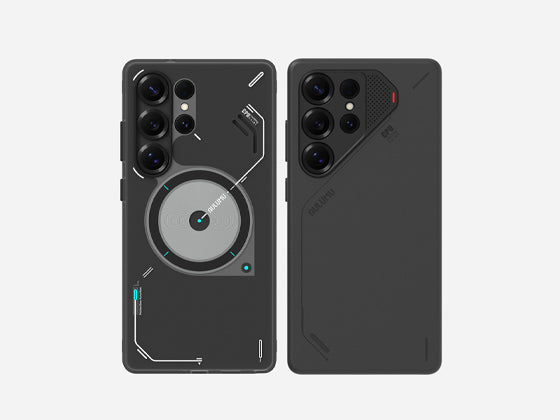
For example, aulumu 's Samsung series phone cases . Samsung phones do not have a built-in magnetic ring, so to use the precise magnetic function, you need a phone case with a magnetic ring. All aulumu Samsung series phone cases have a built-in magnetic ring, and the overall case thickness is designed to be within 5mm . The position of the magnetic ring is aligned with the phone's battery, so the case supports charging without interfering with the phone's charging. -
The second is MagSafe for iPhone . iPhone 12 and later models feature a built-in magnetic ring inside the case. This ring precisely positions the battery during wireless charging, ensuring alignment throughout the charging process and preventing misalignment that could interrupt charging. For iPhone cases, this magnetic ring is a convenient feature. The dual magnetic attraction ensures that your iPhone is securely attached to the wireless charging pad.
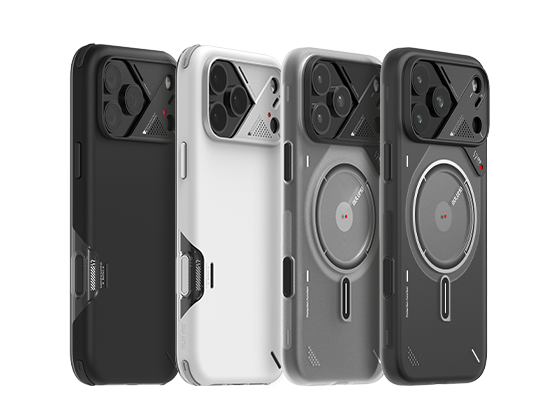
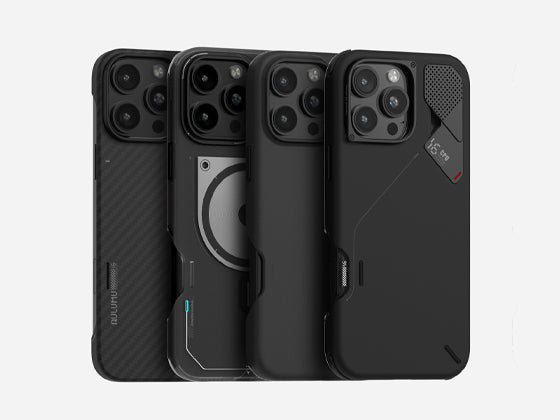
All aulumu iPhone cases come with a magnetic ring that allows you to wirelessly charge your phone.

conclusion
If your phone won't charge, don't worry. First, check the condition of your phone itself, then look for external causes. If neither of these work, check if your phone case is causing the charging issue. Choosing the right case can significantly improve the phone charging process.