






Have you ever had the experience of your AirPods case getting dirty and being unable to clean it? Or, have you ever damaged the charging port because you didn't know how to clean it? Don't worry! Today, we'll show you how to clean your AirPods case , how to clean the charging port, and the best way to clean your AirPods case. In addition to cleaning, we'll also teach you some daily maintenance tips for your AirPods case to prevent it from getting dirty in the first place .

Prerequisites for Cleaning Your AirPods Case
Preparing cleaning supplies
Before cleaning your AirPods case , you need to prepare your cleaning supplies. When preparing your supplies, it's important to note two things: essential tools and tools you should never use. Using the wrong tools can damage your AirPods case .
- Essential tools : soft cloth, cotton swabs, soft-bristled toothbrush or small brush, sharp wooden toothpick, 70% alcohol disinfectant ( do not use a solution that is too concentrated ) .
- Items that should not be used : bleach, concentrated detergent, large amounts of water, sharp metal objects ( paper clips, tweezers, etc. ) , and cleaning solutions containing abrasive particles.
The AirPods case is very fragile and requires cleaning to keep it clean , so keep it away from prohibited items to avoid accidentally damaging it.
Cleaning time
Cleaning your AirPods case doesn't depend on how often you clean it. Wipe down the exterior once a week and thoroughly clean it once a month, focusing on the charging port. During everyday use, promptly wipe away any dirt, sweat, or water. Excessive cleaning can damage your AirPods case .
How to clean your AirPods case
Once you're ready, it's time to officially start cleaning your AirPods case . You should clean your AirPods case in stages.
- Remove your AirPods , disconnect the charging cable from the AirPods case , remove the cleaning tool, and keep your hands dry . Always power off the AirPods case when cleaning it . Do not clean the AirPods case with the charging cable connected . Removing the AirPods not only allows for more thorough cleaning of the case , but also protects it from contact with water .
- The second step is to clean the outer shell of the AirPods case . Cleaning the AirPods case is relatively easy; just wipe it with the cloth you prepared earlier. The cloth must be dry. If there are stubborn stains such as oil stains, you can moisten the cloth with a small amount of alcohol solution. Use a small amount of liquid. Gently wipe the surface of the AirPods case with the cloth dampened with the cleaning solution .
- The third step is to clean the inside of the AirPods case . Gently wipe away dust with a dry cotton swab. For stubborn stains, you can use a cotton swab dipped in a small amount of alcohol solution. Be careful not to use too much alcohol, and use a small amount. Also, do not pour water directly onto the case. When wiping, use gentle pressure to avoid rubbing the metal charging terminals too hard.
- Step 4 : Clean the charging port of your AirPods case. Use a wooden toothpick to gently remove dust from the charging port of your AirPods case , then wipe it with a dry cotton swab. Do not use metal objects to clean the charging port of your AirPods case , as they may scratch it.
- Step 5 : After cleaning, let your AirPods case air dry . Place your AirPods case in a dry place and let it air dry for 10-15 minutes . Wait until it is completely dry before wearing your AirPods or charging your AirPods case.
Keep cleaning tools dry while cleaning. If you use a cleaning solution, apply it in small amounts multiple times to avoid damaging the AirPods case . For stubborn stains or yellowing, you can use an eraser or baking soda, but apply a small amount gently to the outer case only.
Why should you clean your AirPods case ?
Hygiene habits: Your AirPods case is subject to frequent daily use, making it prone to accumulating dust and bacteria. Regular cleaning can help keep your AirPods case clean and prevent illness caused by excessive contact with bacteria.
Extend the life of your AirPods case : Regularly cleaning your AirPods case will keep the charging port clean and prevent charging issues. Cleaning the outer case will also keep your AirPods clean, reducing yellowing and wear and extending their lifespan .
How to prevent your AirPods case from getting dirty again
Develop a daily usage habit
- Protects your AirPods case during everyday use , reducing wear and tear caused by improper use.
- Wipe away dirt and sweat from your AirPods case promptly to prevent dirt from building up and becoming difficult to clean.
- When in use, do not expose the AirPods case to excessive external dirt or water, or place it in a dirty location .
- Clean your AirPods case regularly, such as once a week or once a month , to help you develop the habit of cleaning and remember to do so.
Protect your headphones with a stain-resistant shell.
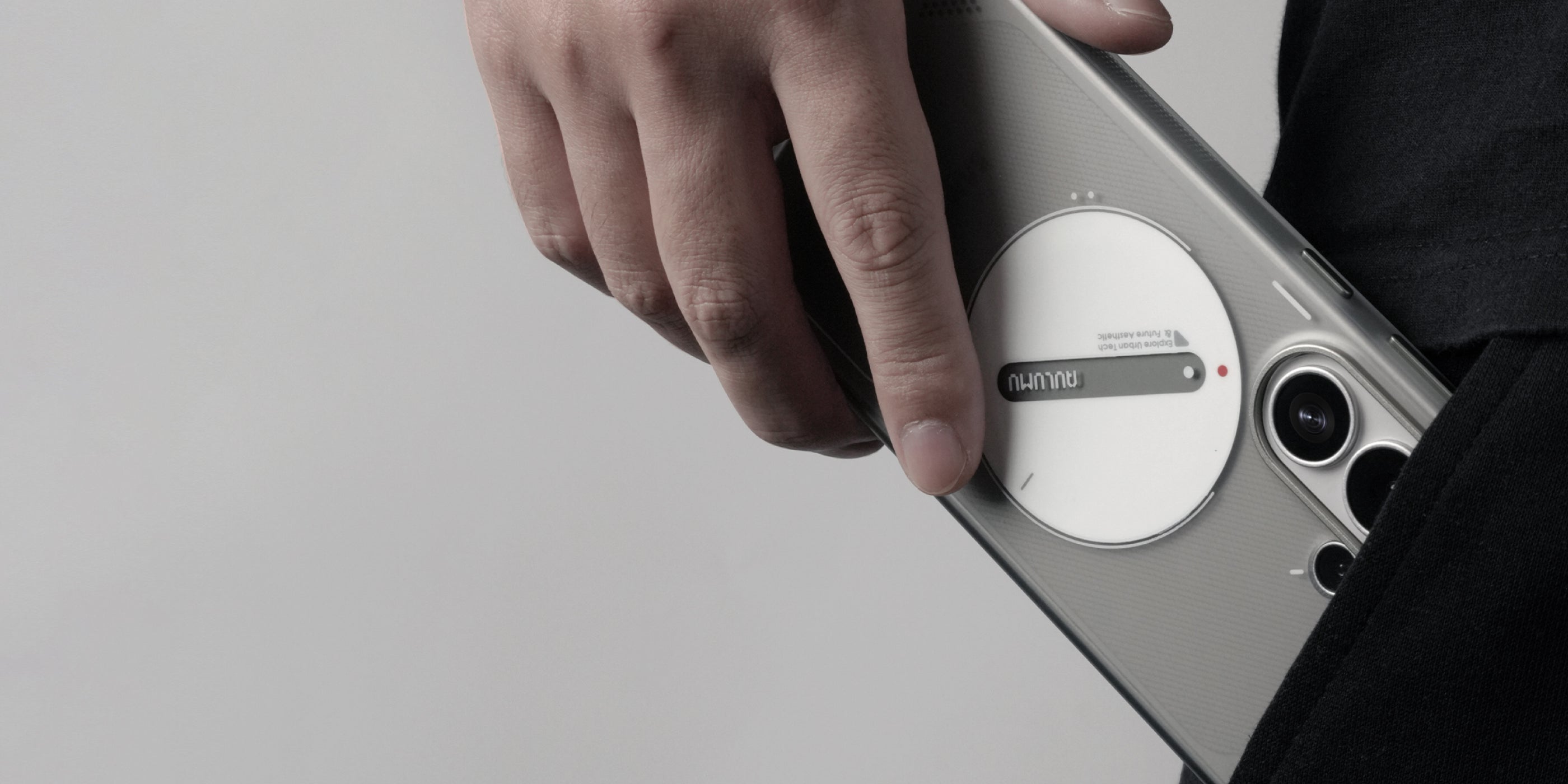
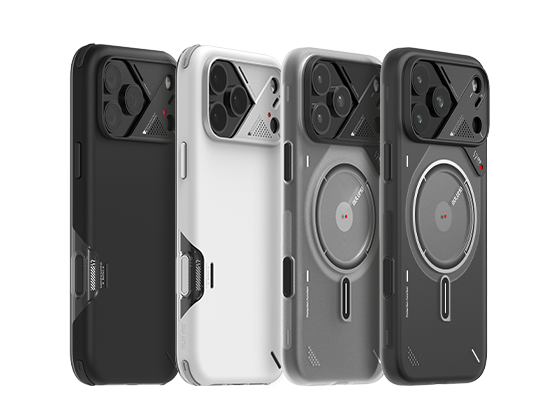
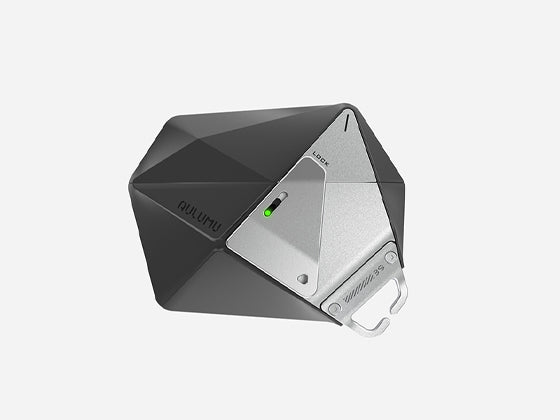
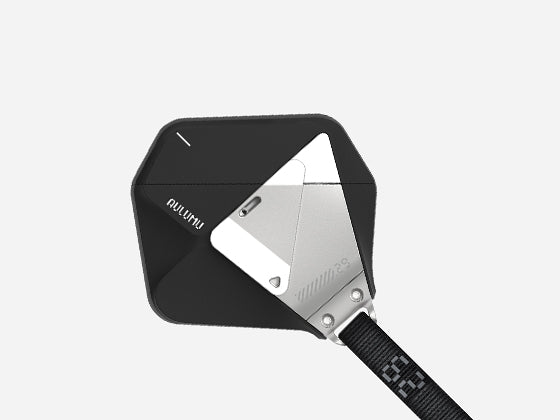
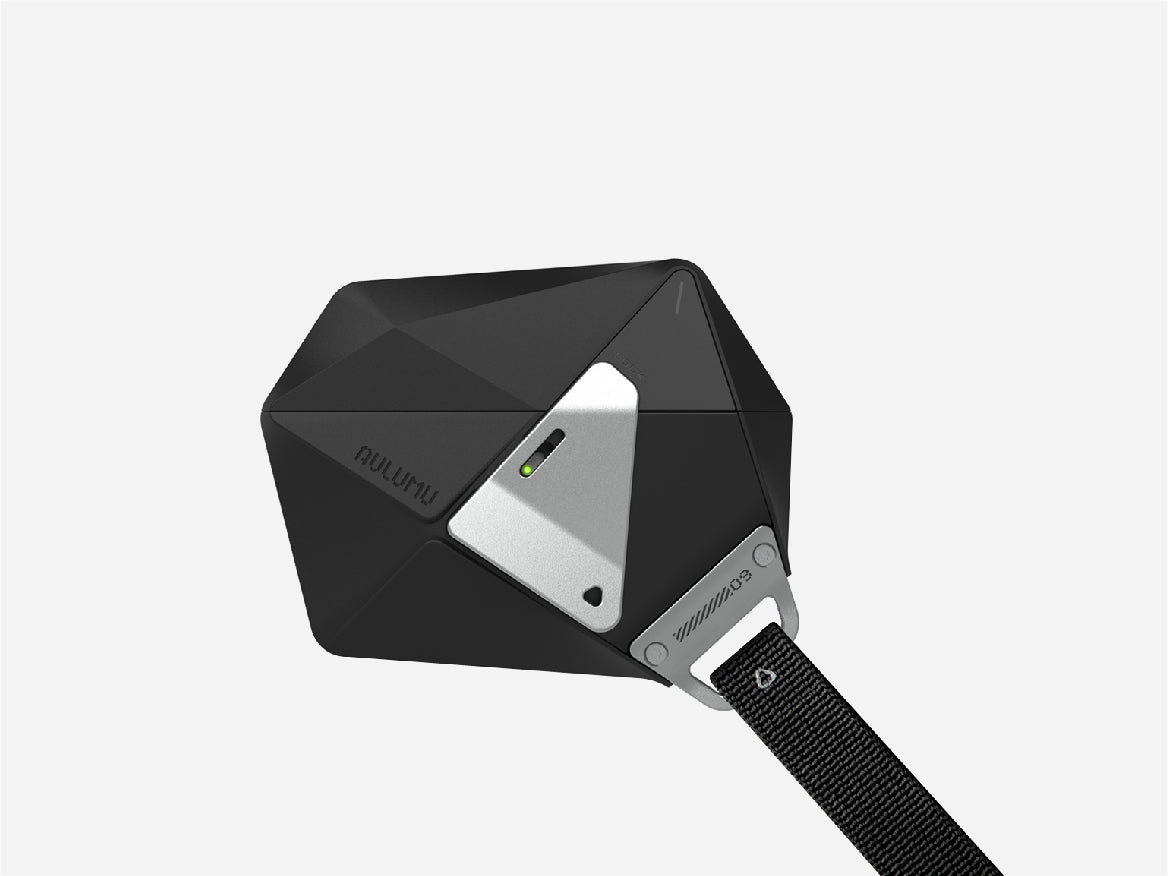
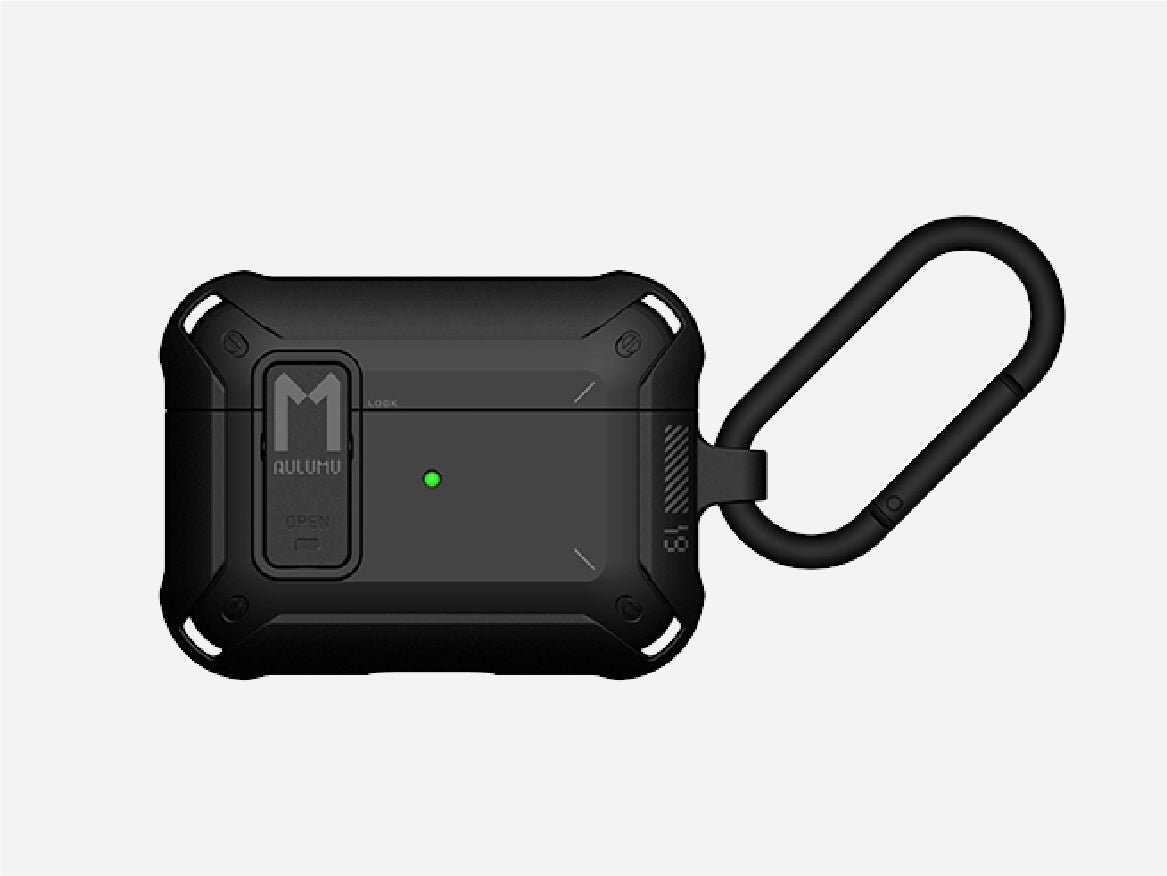
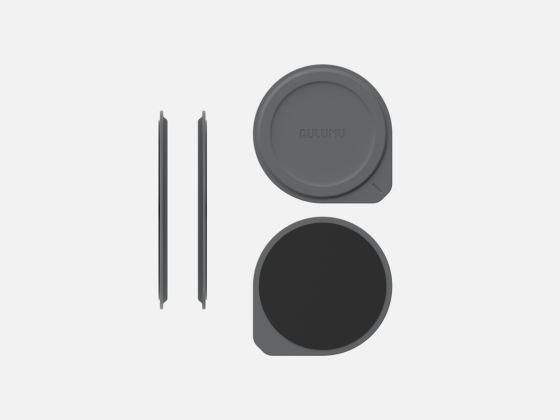
In addition to maintaining good daily habits, you can also protect your AirPods by purchasing a durable, stain-resistant earphone case . A good AirPods case not only protects your AirPods from damage, but also reduces the chance of the case becoming dirty or yellowed. For example, the aulumu earphone case series uses TPU material, which significantly reduces dust accumulation. The main color is a dark, cool tone, making it stain-resistant. If dirt does get on the case, you can wipe it off with a cleaning wipe. Simply wiping the earphone case will not damage the AirPods inside .

conclusion
This article has solved the problem of how to clean your AirPods case . It's important to learn how to clean your AirPods case, as well as how to prevent it from getting dirty or yellowing during daily use . Using a protective case can also help protect your AirPods case from external damage .